How offline mode works
The FuroTrack mobile app keeps a local queue for supported field actions. When you lose connectivity — whether you're in a remote paddock, a metal-roofed shed, or an area with poor mobile coverage — supported records are saved on the device and uploaded when the device reconnects.
What works offline
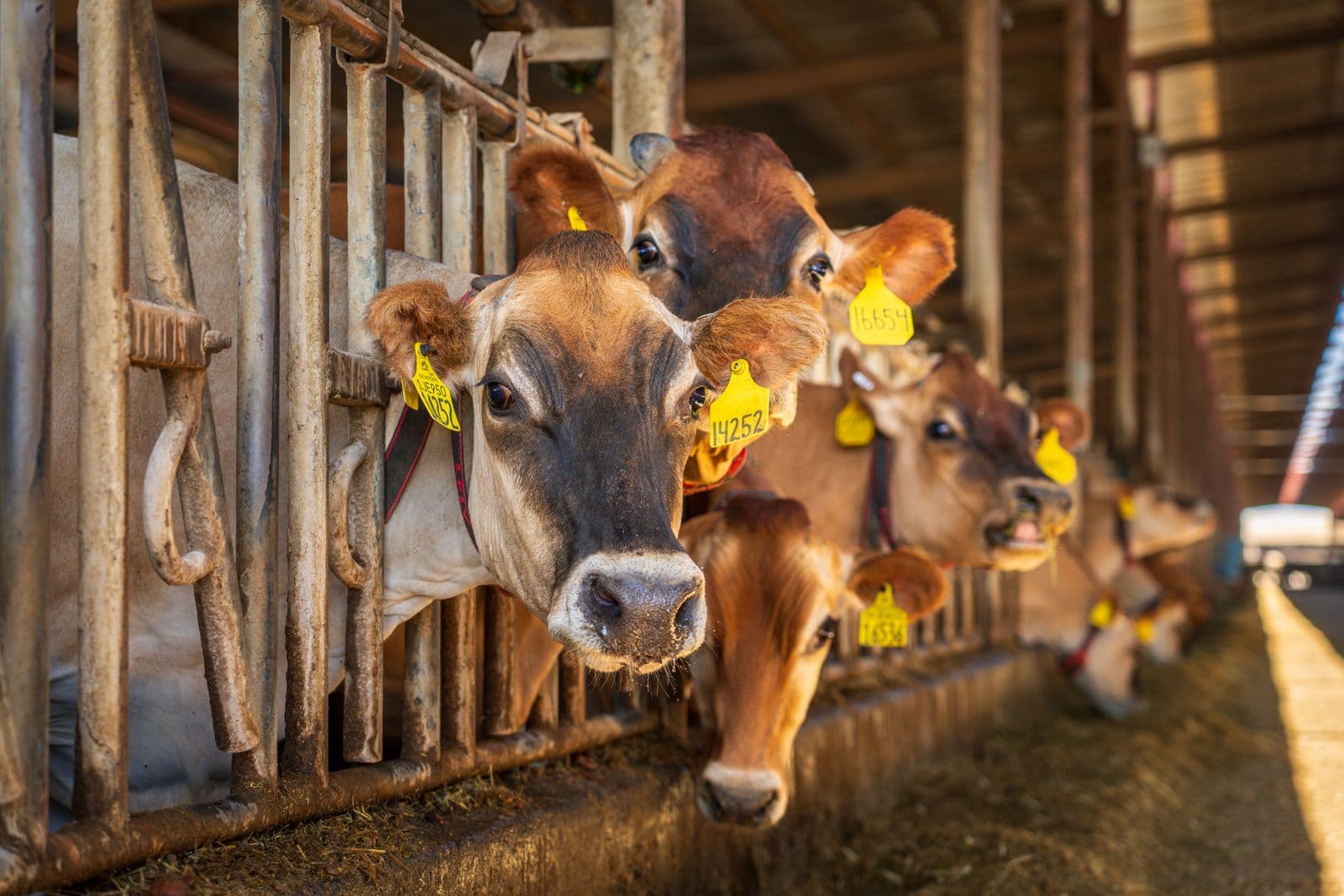
- QR and barcode tag scanning for fast routing
- Queued animal weight records
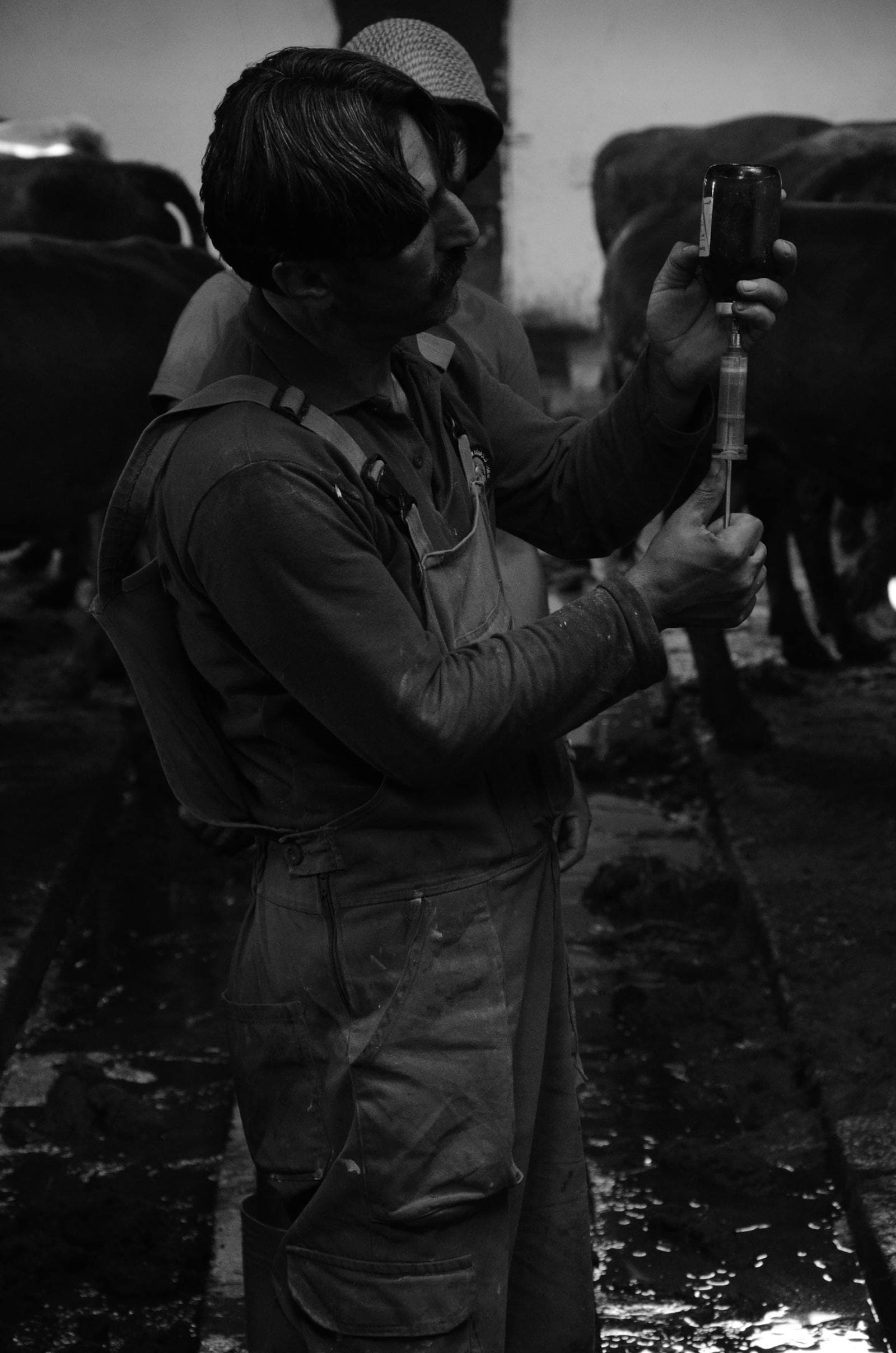
- Queued animal vaccination records
- Queued batch mortality records
- Queued animal sale records (blocked when cached withdrawal status is active; confirmed online on sync)
- Task completion and checklist sign-off where supported
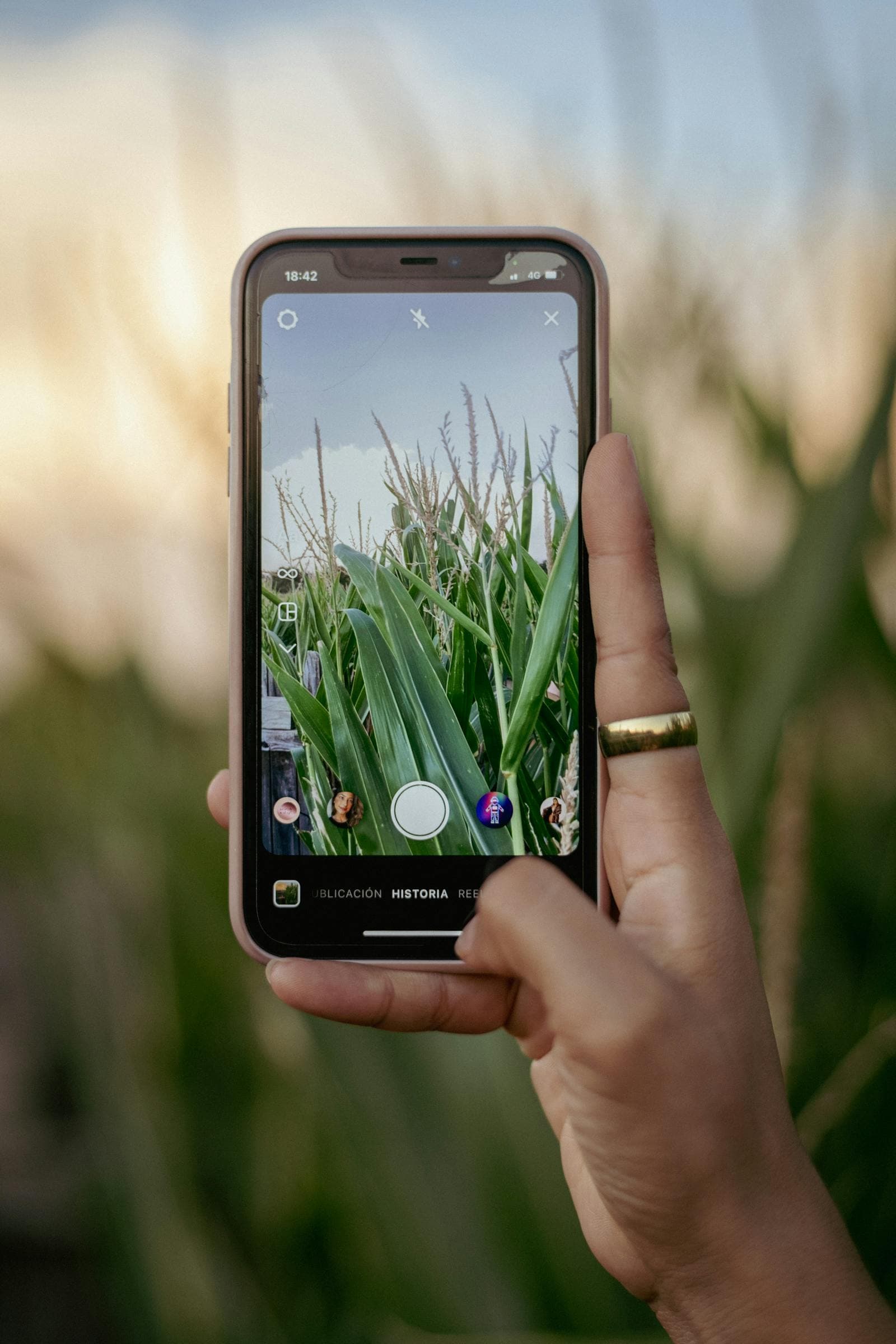
- Photo capture (synced when connected)
What requires connectivity
- Fresh animal and batch list downloads
- New animal and batch registration
- Treatment and feed workflows that are not yet enabled for offline queueing
- Dashboard analytics and KPI updates
- Generating traceability certificates
- Receiving notifications and task assignments from managers
- Uploading drone imagery
The sync process
When your device reconnects, FuroTrack sends queued records to the API. If a record cannot be accepted, the app keeps enough context for the user to retry or correct the entry.
Preparing for field work
Before heading out to a remote area for the day, open the app while connected and review the animals, batches, and tasks you'll be working with. This ensures the app has the latest context before you begin field capture.
Using QR scanning offline
Tap the Scan button at any time and point at the tag. When connectivity is available, the scan resolves against the farm records. When connectivity is poor, supported field entries can still be queued against the scanned identifier and synced when you reconnect.
Try it yourself — start free
Create an account and follow this workflow with your own farm records.
Start free