Before you begin
You'll need a FuroTrack account (create one at furotrack.com/signup) and about 30 minutes for initial setup. Everything else you can do as you go.
Step 1: Create your farm
After logging in, you'll land on the Farm Setup screen. Click New Farm, enter your farm name and location (district and country is fine — GPS coordinates are optional). Save it.
If you manage more than one farm, add each one separately. All farms appear in your workspace switcher at the top of the screen.
Step 2: Add your paddocks and pens
Under Farm Setup → Sites, add your main paddocks, camps, poultry houses, or kraals. These become the location records for your animals and batches. You don't need to add every site on day one — add the ones you'll be recording activity for first.
Step 3: Add your first animals
Go to Animals → New Animal. Fill in:
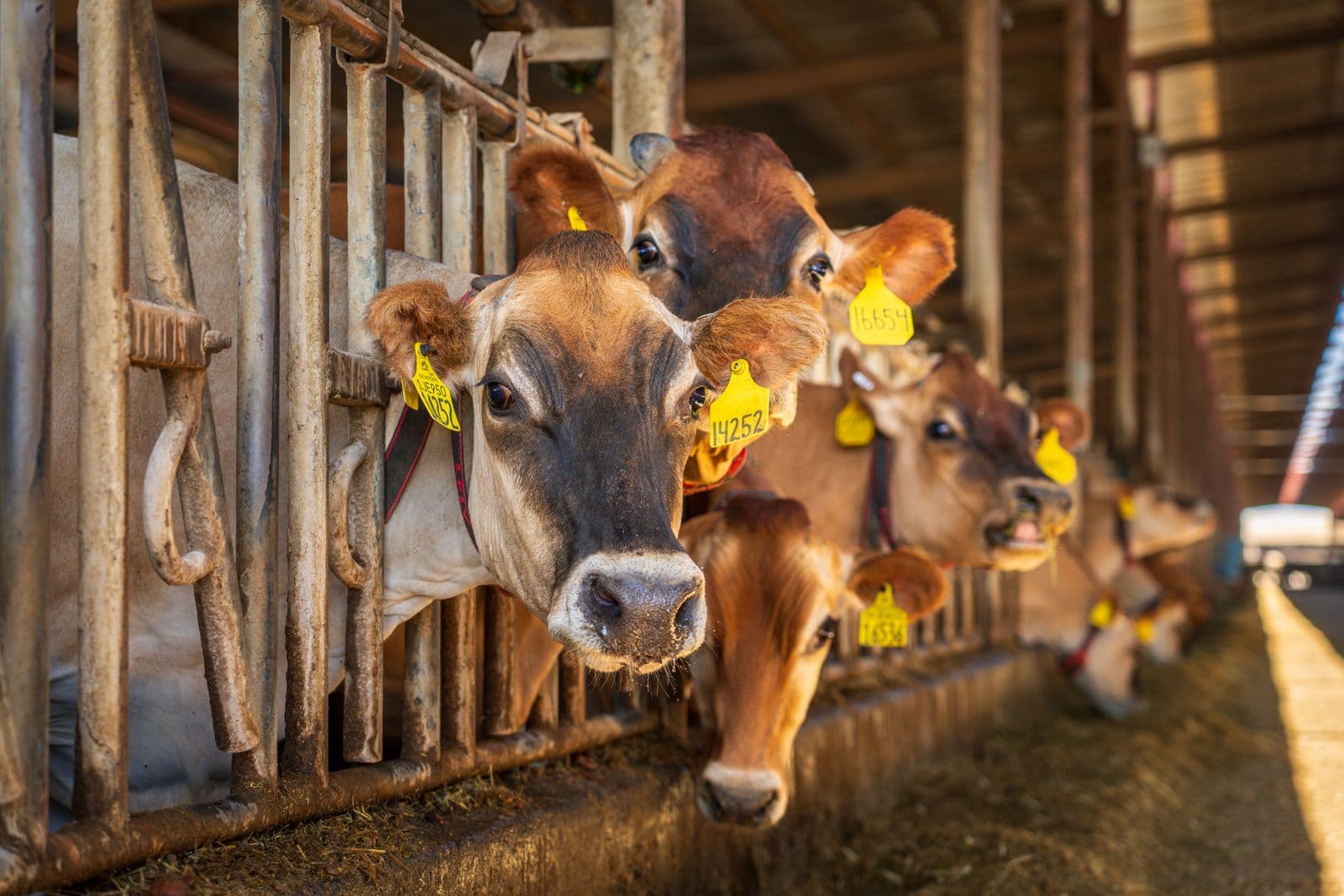
- Tag number (the number on the ear tag or bolus)
- Species and breed
- Sex and approximate age or birth date
- Current location (paddock or pen)
- Purchase price or estimated value (optional but useful for profit tracking)
Repeat for each animal. If you have more than 50 animals to add, contact support — we can help with a bulk import from a spreadsheet.
Step 4: Set up your vaccination schedule
Go to Health → Vaccination Plans. Add the vaccines your operation uses and their recommended intervals. FuroTrack will automatically calculate next-due dates based on the last recorded vaccination for each animal or herd.
Step 5: Invite your team
Under Settings, invite your stockman, manager, or vet with the appropriate access level. They'll receive an email invitation and can access the mobile app immediately.
You're ready
Your daily workflow from here is simple: open the dashboard in the morning, check what's due, assign tasks to your team, and capture records as events happen during the day. The data builds up automatically into the reports, performance numbers, and traceability records you'll need later.
Try it yourself — start free
Create an account and follow this workflow with your own farm records.
Start free