On the mobile app
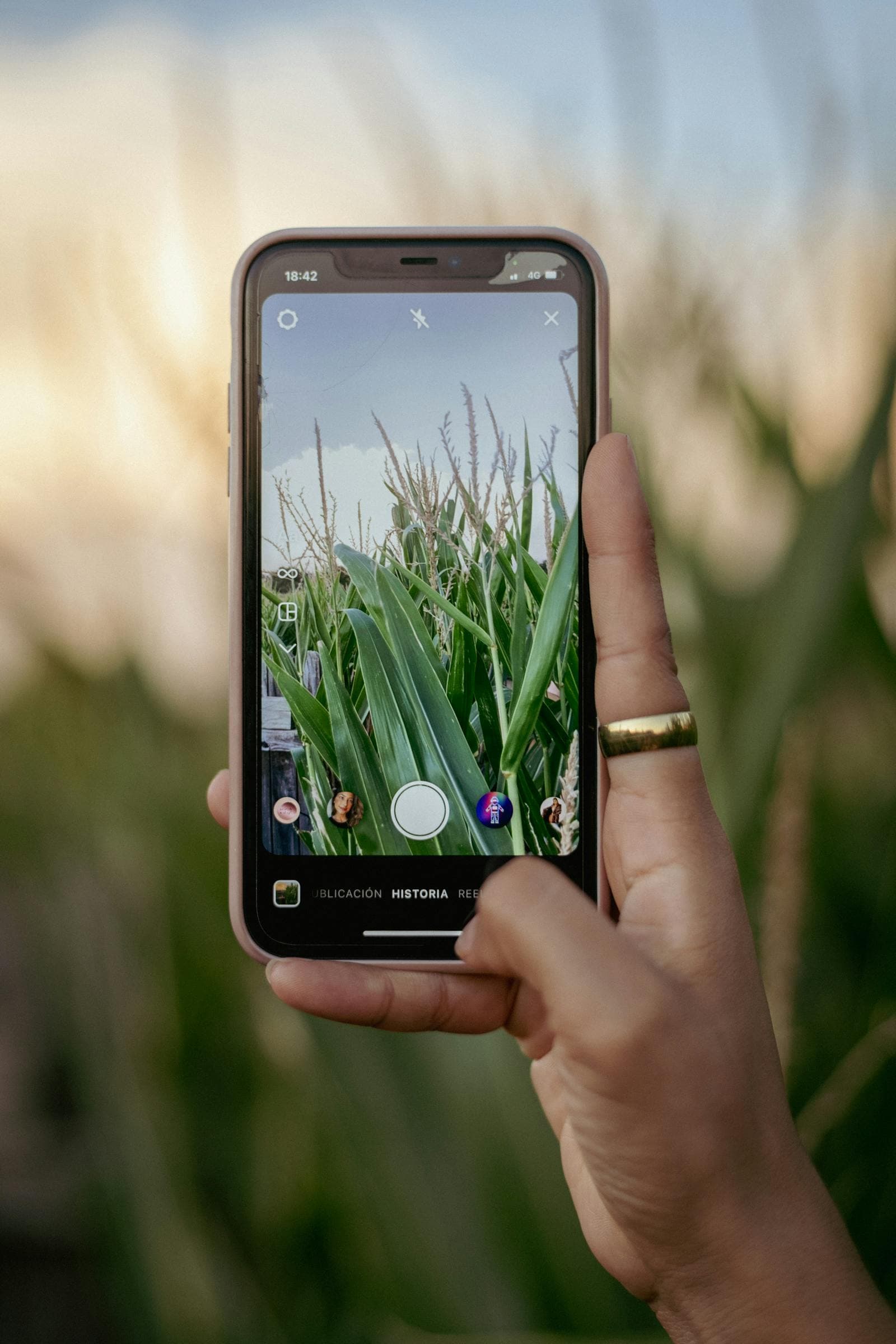
Open the FuroTrack mobile app on your phone or tablet. Supported field records can be queued without internet and synced when you're back in range.
Finding the animal record
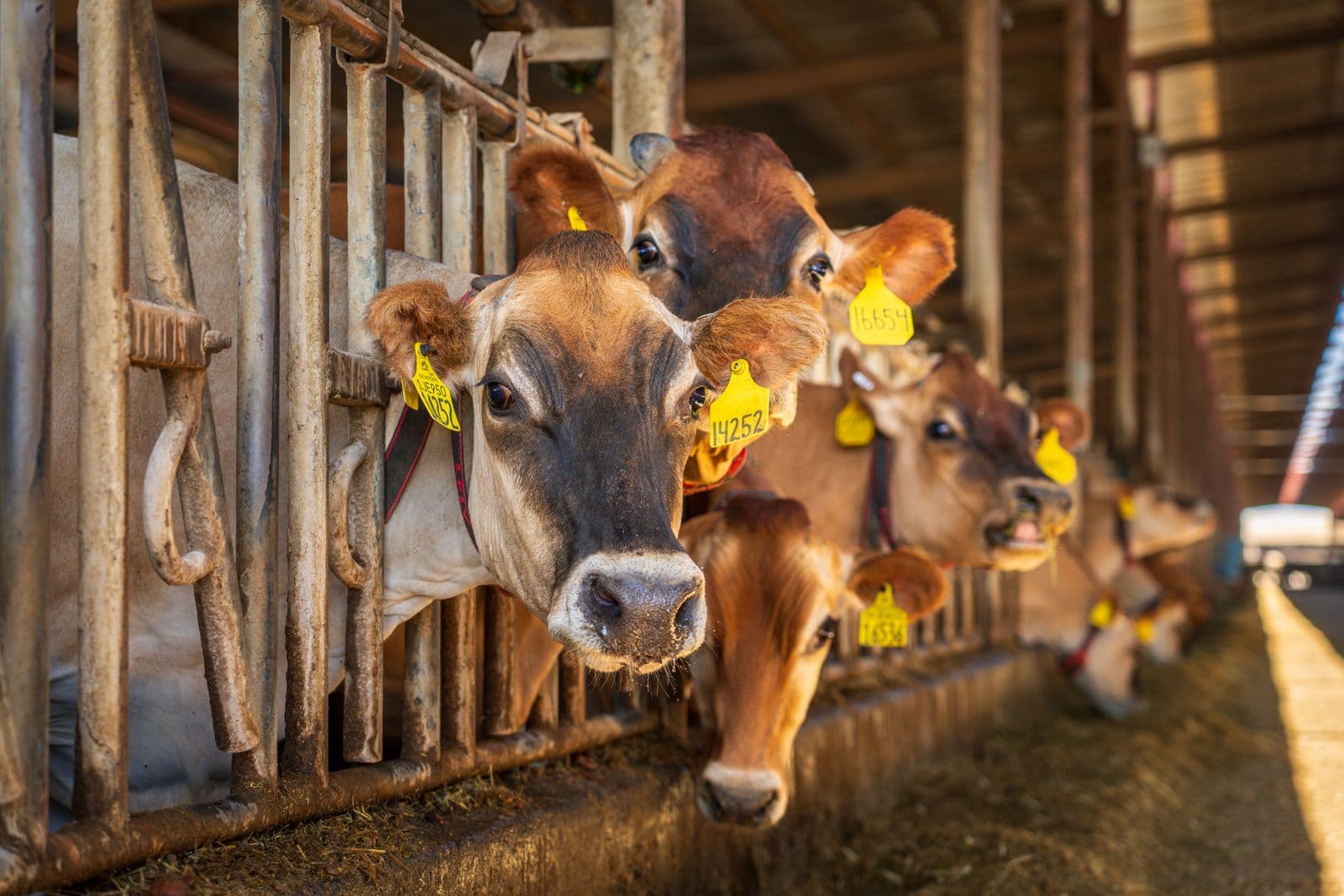
Tap the Scan button. Hold your phone's camera over the QR code on the animal's tag. If the animal is already in the system and connectivity is available, their profile opens with the latest synced record.
If this is a new animal with no record yet, create the animal from the web dashboard before field recording so the tag, species, breed, sex, and birth date or approximate age are part of the farm register.
Recording a weight
From the animal profile, tap Add Event → Weight. Enter the weight in kilograms. Add a note if needed (e.g. "just weaned" or "after drenching"). Save. The weight is now part of the animal's permanent record and will appear in growth charts and performance calculations.
Recording a vaccine
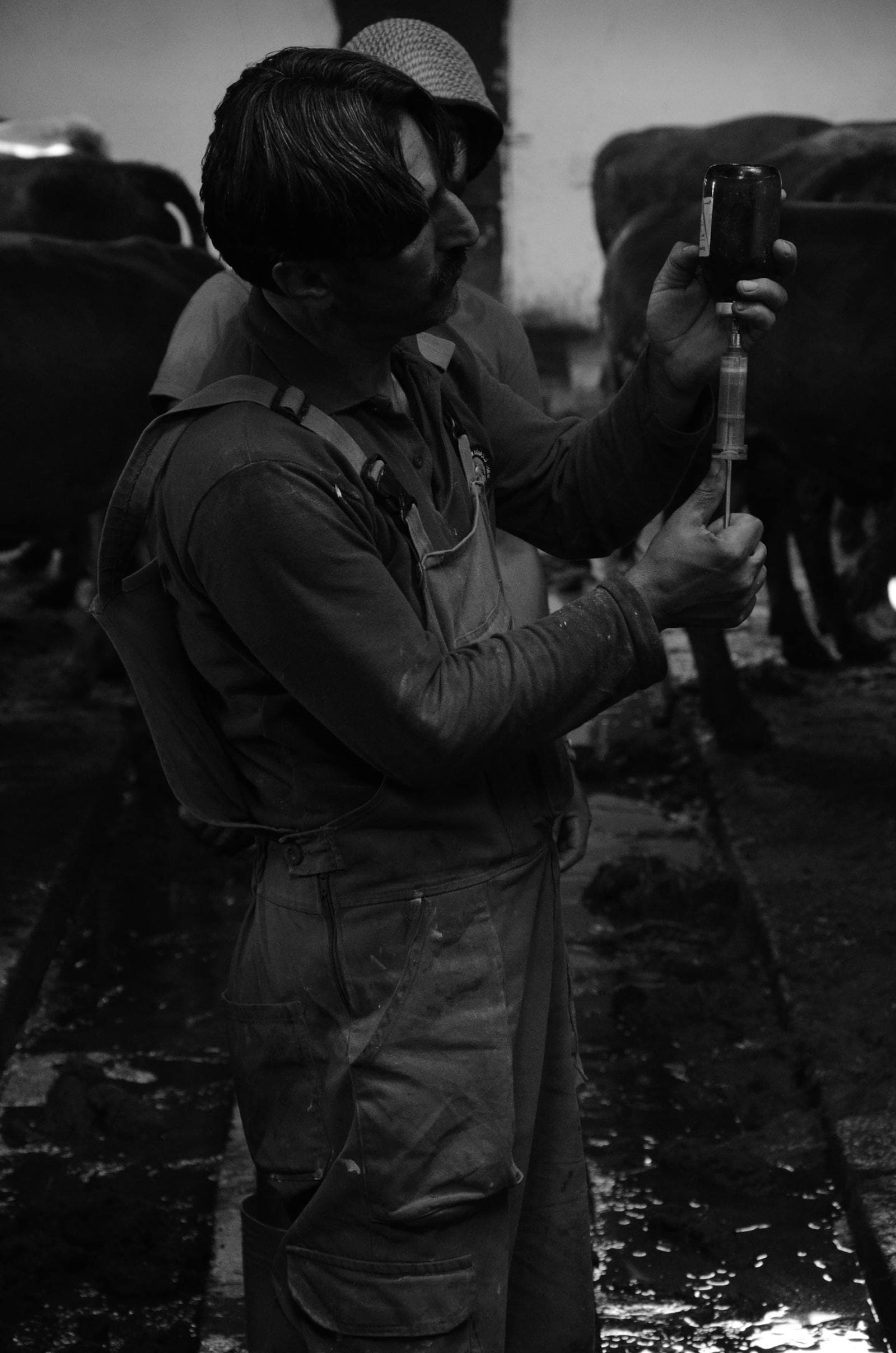
Tap Add Event → Vaccine. Enter the vaccine name, disease, lot number, dose, and route. Enter withdrawal days from the label when they apply. Save. The system calculates the clearance date and next due date from your vaccination plan.
Recording a treatment
From the mobile app or web dashboard, record the medicine, dose, route, and withdrawal days from the product label. The animal profile then shows the treatment history and active withdrawal status.
What happens with this data
Supported events recorded on the mobile app sync to the web dashboard. The manager and owner can review the farm record from a browser. Your records become the basis for compliance documents, performance reports, and traceability certificates.
Try it yourself — start free
Create an account and follow this workflow with your own farm records.
Start free