The morning summary
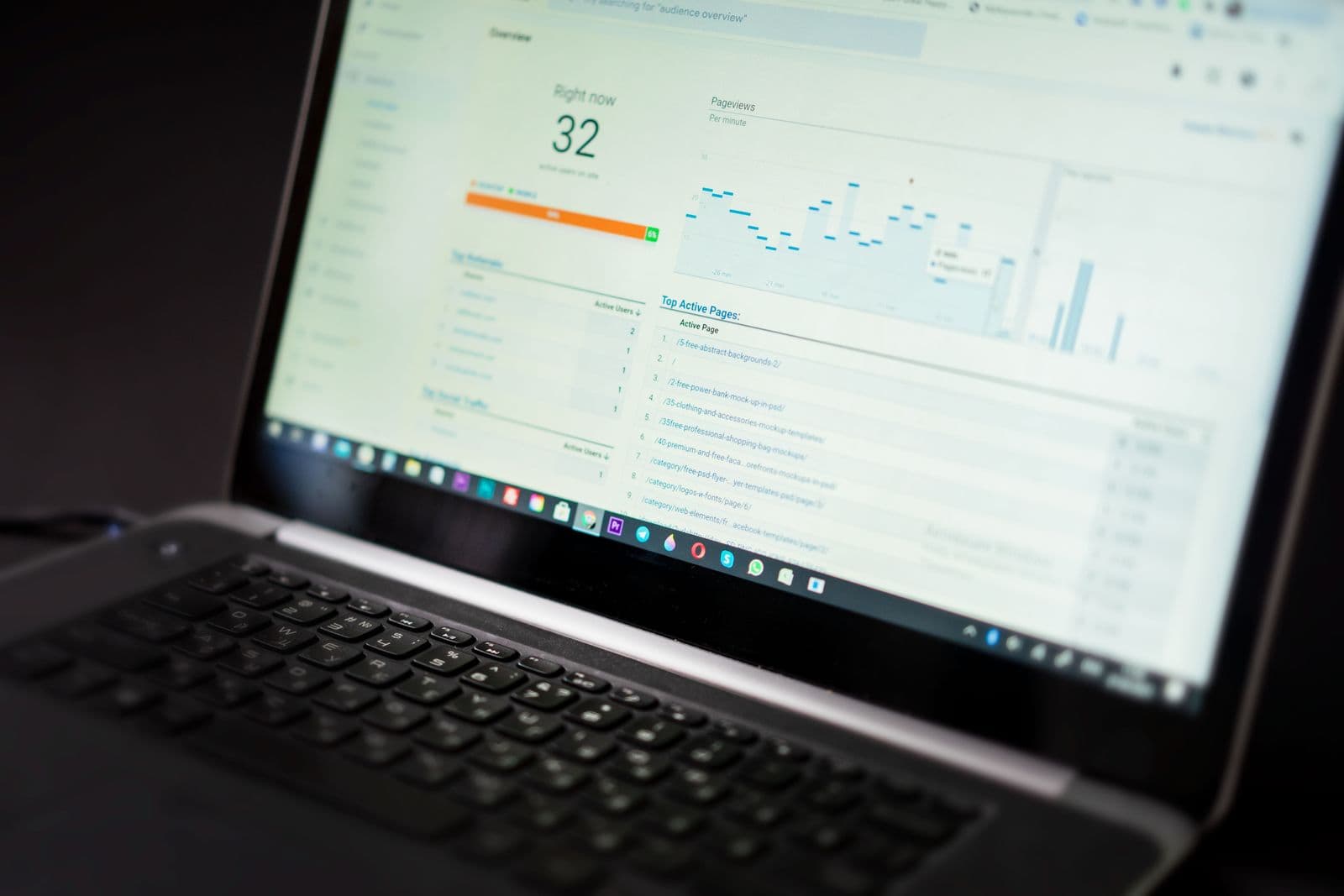
The top of your dashboard shows today's date and a summary of what needs attention. Red items are urgent. Amber items are due today or tomorrow. Green means all clear. Start with red.
Task summary card
The task card shows how many tasks are scheduled for today, how many are overdue, and how many were completed yesterday. Click it to see the full task list. Each task has an assignee, a due time, and a checklist if applicable.
Health alerts
The health card shows animals or batches with vaccinations due, treatments active (with withdrawal period timers), and any health events flagged by your team. Click any alert to go directly to the relevant animal or batch.
Performance cards
Below the alerts, you'll see performance summary cards for your active batches (poultry, pigs, feedlot) or herd metrics (for cow-calf or dairy operations). These show current FCR, mortality rate, average daily gain, and projected margin. Click any card to drill into the batch detail.
Finance summary
The finance card shows month-to-date income and expenses, and whether you're tracking above or below last month. Click it to see the transaction list or the batch costing report.
IoT and sensor alerts
If your deployment has IoT sensors connected (water level monitors, temperature sensors, GPS collars), configured alerts can appear alongside the operational dashboard. Red alerts require immediate action. Amber alerts need monitoring.
The 5-minute morning routine
- Check urgent alerts — act on anything red
- Review today's tasks — confirm assignments are correct
- Check active batch performance — any KPI outside target?
- Scan the finance card — anything unexpected this week?
- Done. Open tasks for your team or head out to the farm
Try it yourself — start free
Create an account and follow this workflow with your own farm records.
Start free